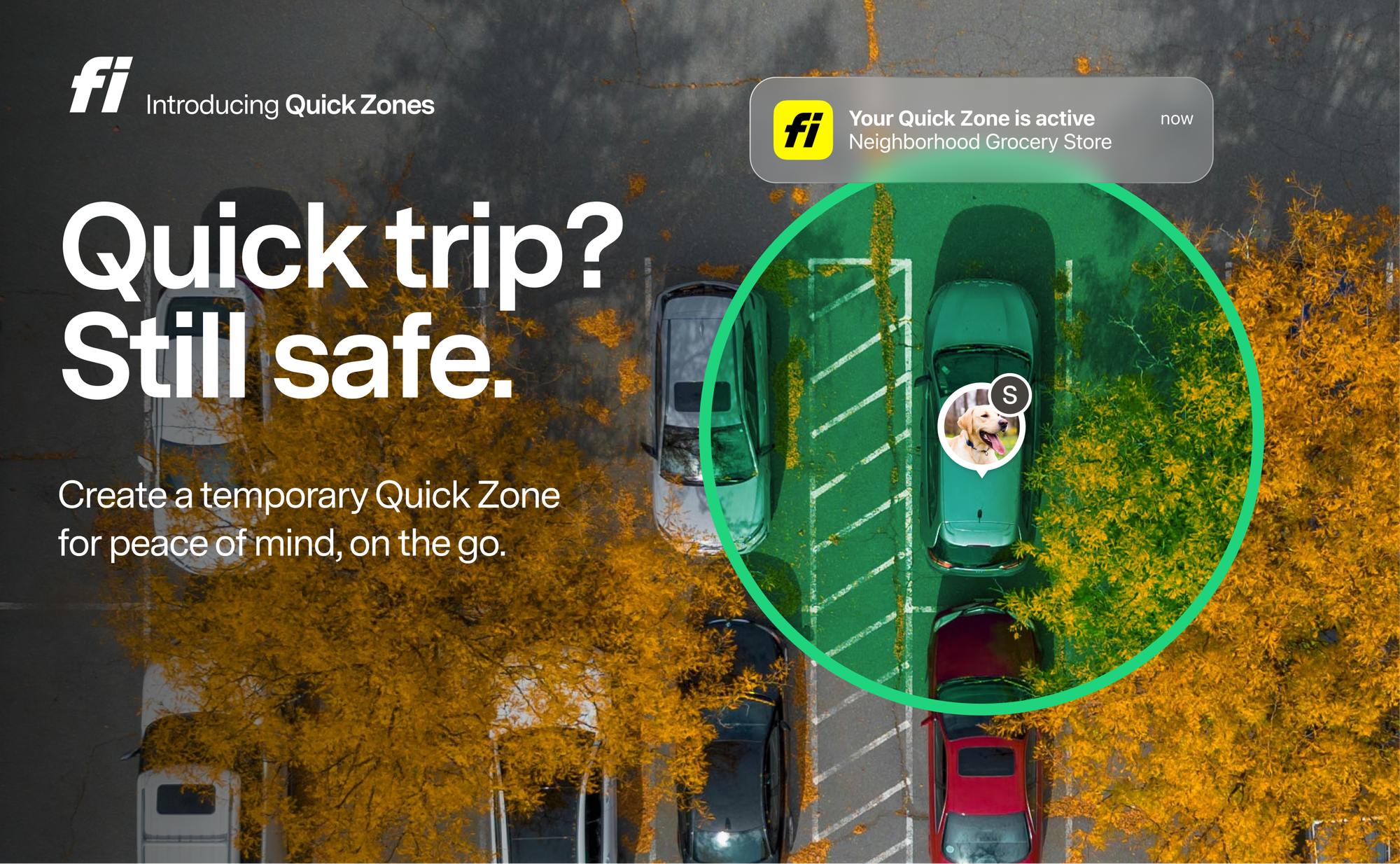
Not every place your pet goes needs a permanent Safe Zone. Quick Zones are temporary by design — tap, pick a duration, done. The zone expires automatically at the end time you set. Nothing to delete, nothing to maintain.
How to set one up
- Open the Fi app and pull up the map
- Tap "Add Quick Zone."
- Choose a duration: 1–12 hours or 1–7 days
- The zone activates instantly at your dog's current location
A green dotted border marks it as temporary, so it's easy to tell apart from your permanent Safe Zones. You can edit the boundaries, adjust the duration, delete it, or convert it to a permanent safe zone anytime — just add a name.
Wherever your dog goes, now Safe Zones follow.
The park. The vet. Your mom's house. A cabin for the weekend. Every one of those used to mean either setting up a permanent zone you'd delete later or getting Escape Alerts. Quick Zones make temporary protection as easy as it should be.
Set it. Forget it. It cleans up after itself.
No zone clutter, no stale zones sitting in your list from that Airbnb six months ago. Quick Zones auto-expire. You get a heads-up when time is almost up, and a notification when it's done. If the spot turns out to be permanent, convert it into a real Safe Zone with a single tap.
Quick Zones are available now on iOS and Android.